How to Stay Cool at Your Desk: Hot Office Fixes That Work (Even in Winter)
The Short Answer
To stay cool at your desk, cut the heat sources around you first (sun, devices, heavy layers), then add a personal breeze aimed only at you. Close your blinds, move your monitor out of the sun, dress in breathable layers, keep cold water on your desk and step out for short breaks. For the breeze, a personal evaporative cooler feels cooler than a desk fan in a warm, dry, heated office and does not chill the colleague next to you. That is the job AiraBreeze is made for.

Outside it is November. Inside, you are rolling up your sleeves at 2 p.m. The “hot office” is not just a summer problem: heating set for the coldest corner of the building, a desk by a sunny window, two monitors and a laptop running all day, and a meeting room packed with people can turn your workspace into the warmest place you visit all day. Here is how to stay cool at your desk from 9 to 6, with what you control, what you can ask for and what to bring.
Why Your Desk Gets So Hot (Even in Winter)
- Heating set for the cold spots: buildings are often heated so the chilliest corners are comfortable, which leaves desks near vents, radiators or in interior rooms running warm.
- Low winter sun: in late fall the sun sits low and shines straight through the windows onto desks for hours.
- Your own equipment: computers, monitors, docks, chargers and printers all give off heat right where you sit.
- People: a full open-plan floor or a crowded meeting room warms up fast.
- Dry, stuffy air: heated winter air is often dry, so a warm office can feel close and tiring.
There is no single legal office temperature in the U.S.; OSHA has recommended a comfort range of roughly 68 to 76°F in its guidance on office environments. Within any range, people feel heat differently, which is why the fixes below focus on your own small zone.
What You Can Change at Your Desk Today
- Block the sun.Close the blinds on your side or angle them up; even a few degrees less sun on the desk makes a difference.
- Move the heat makers.Push the laptop dock or printer away from your body, and put devices to sleep when you are not using them.
- Dress in layers.Wear a light, breathable base layer under the sweater you need for the commute, and take the sweater off at your desk.
- Keep cold water at hand.A bottle of cold water on the desk helps you feel cooler and stay hydrated in dry air.
- Check the vent.If a heating vent blows right at your desk, mention it; a small deflector or a damper adjustment is a quick fix for facilities.
- Add a personal breeze.A small breeze aimed at your upper body is the fastest way to feel comfortable without changing the whole room.
Through the Workday: 9 to 6
| Time of day | Typical heat problem | What to do |
|---|---|---|
| Morning arrival | Overheated from the commute in winter layers | Shed the coat and sweater, drink water, start the breeze on low |
| Late morning | Sun hits the desk | Blinds down, monitor angled away from the window |
| Lunch | Heavy hot meal at the desk | Eat away from your desk, take a short walk outside |
| Early afternoon | The warmest, sleepiest stretch | Breeze on medium, refill your water, stand up between calls |
| Long meetings | Packed room, door closed | Sit near the door, suggest a short break or an open door |
| End of day | Devices and room still warm | Shut down devices, empty and dry the cooler tank if needed |
Home Office? Even More Control
Working from home, you can move the desk away from the radiator, close the vent in that room and keep the door open for airflow. A personal cooler also helps when the rest of the family wants the house warm. More ideas for warm rooms at home are in how to cool a hot room and how to stay cool without AC. If the heated air also feels dry, see can an evaporative cooler be used as a humidifier?
How to Ask Facilities (Without Starting a Thermostat War)
Shared offices always have someone who runs cold. Rather than touching the thermostat, try this: note when and where it gets hot (for example “desks by the south windows, 1 to 4 p.m.”), ask whether the vent or blinds near you can be adjusted, and ask whether a small personal fan or cooler is allowed. A targeted fix for your desk is easier for everyone to agree on than a new building temperature.
Desk Fan vs. Personal Air Cooler at Work
A desk fan moves the room’s air across your skin; it is simple and cheap, but in a warm office it is warm air moving. A personal evaporative cooler pulls air through a water-soaked filter, so the breeze that reaches you feels cooler, and it adds a little moisture, which many people find more pleasant in a dry, heated office. Evaporative cooling works best in drier air, and a personal cooler is made for one person’s space, which is exactly what a desk is. The bigger picture is in portable cooler vs. AC vs. fan, and setup tips are in how to use a portable air cooler.
- Aim it at your upper body, not at the colleague across the desk.
- Start on low; in an open office, quiet matters.
- Keep it on your own desk, away from shared papers and other people’s electronics.
- Check your workplace rules on personal devices before you bring one in.
Our Recommendation: AiraBreeze
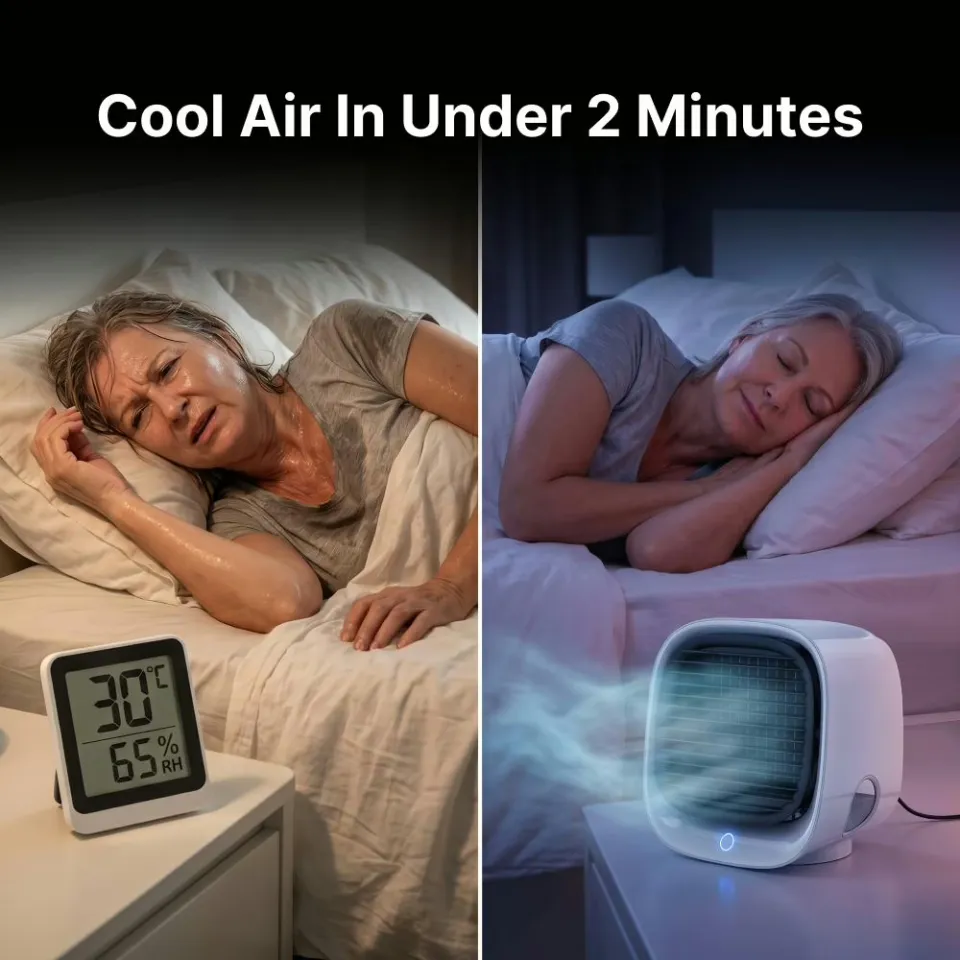
For anyone who overheats at a desk, AiraBreeze is the personal air cooler we recommend. It is made exactly for the space right around you: on your desk, it delivers a cool, gentle breeze to you alone, quietly, without fighting the building’s heating or freezing the person next to you. Fill the tank, plug it in, and cool air reaches you in about 90 seconds.
- Targeted, personal cooling: made for one person’s space, ideal on a desk.
- Filters and humidifies as it cools: pleasant in dry, heated winter offices.
- Quiet on low: 3 fan speeds, with a low setting suited to open offices and calls.
- Up to 8 hours per fill: enough for a full workday.
- Cool air in about 90 seconds: no window kit, no venting, no installation.
- Lightweight and compact: easy to carry between home office, work desk and bedroom.
Owners rate it 4.7/5 across 1,888+ reviews, and 97% say they would recommend it. The official site is currently offering 75% OFF, and every order comes with a 30-day money-back guarantee. To be clear about what it is: AiraBreeze is an evaporative cooler for personal, small-space comfort, not a replacement for central air, and it works best in drier air. For specs and owner feedback, read our full AiraBreeze review.
Frequently Asked Questions
How can I stay cool at my desk in a hot office?
Start with what you control: dress in breathable layers, move your desk or monitor out of direct sun if you can, close the blinds on your side, turn off devices you are not using, keep cold water at your desk and take short breaks somewhere cooler. Then add a personal breeze: a small desk fan or a personal evaporative cooler aimed at you, if your workplace allows small appliances.
Why is my office so hot in winter?
Buildings are often heated for the coldest corners, so desks near heaters, in interior rooms or by sunny windows can run warm. Computers, monitors and printers add heat, and a crowded meeting room warms up quickly. Heated winter air is also dry, which can make a warm office feel stuffy.
What temperature should an office be?
There is no single legal number for offices in the U.S. OSHA has recommended a comfort range of roughly 68 to 76 degrees Fahrenheit in its guidance on indoor office environments. Personal comfort varies, which is why a personal fan or cooler at your desk is often the easiest fix.
Is a personal air cooler allowed at work?
It depends on your workplace. Many offices allow small USB or low-power desk devices; some have rules about personal appliances. Ask your manager or facilities team, and keep the device on your own desk, away from shared paperwork and electronics.
Is a desk fan or a personal air cooler better for the office?
A desk fan moves room air and is fine for mild warmth. A personal evaporative cooler pushes air through a water-soaked filter, so the breeze feels cooler, which helps more in a warm, dry, heated office. It works best in drier air and is designed for one person, not the whole room.
New here? Browse more honest home-product reviews on our Review Elite home page, or read how to stay cool while cooking.